Clients
All clients talk to the same background service, so you can switch between them or run several at once. Messages, contacts, and settings are shared.
GTK (GNOME and similar)
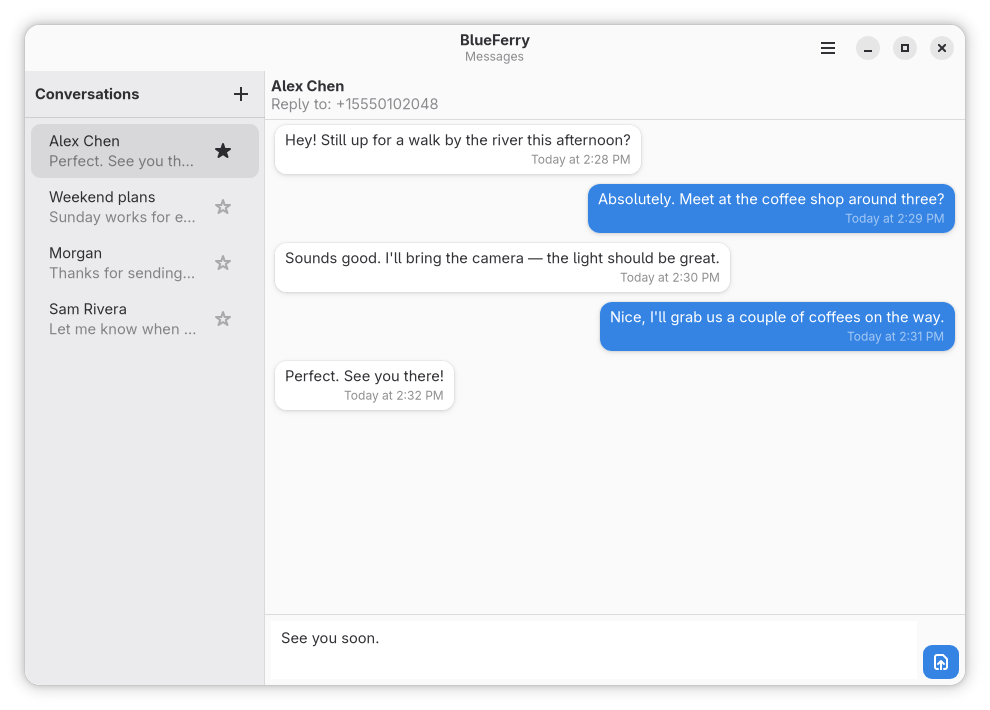
blueferry-gtk is a GTK4/libadwaita app for GNOME, Cinnamon, and similar
desktops.
KDE Plasma (Kirigami)
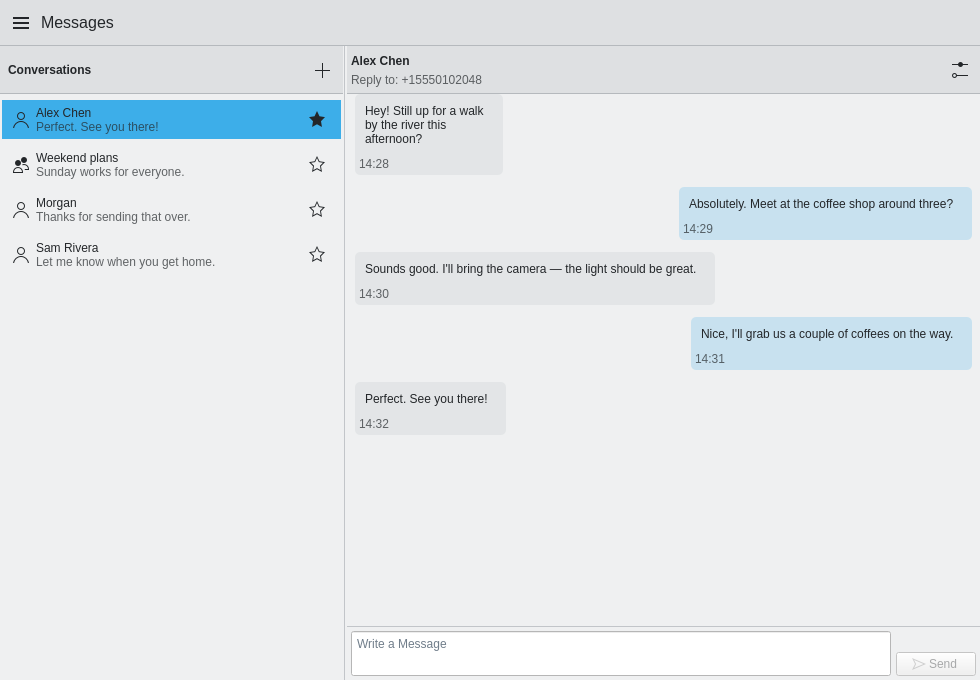
blueferry-qt is a Kirigami app for KDE Plasma. It isn't available on
Ubuntu 24.04, Linux Mint 22.3, or Pop!_OS 24.04.
System tray item
blueferry-tray comes with blueferry-qt and puts a phone in the system
tray (a StatusNotifierItem on KDE Plasma). The icon shows the number of
unread messages; the tooltip shows the connection, battery, signal, and
network. Click it to open BlueFerry, or to bring an open window to the front.
Start it from the application menu as BlueFerry Tray. It does not start at login unless you ask for that: check Start at login in its menu, or run:
blueferry-tray --autostart on # off, or status
This writes ~/.config/autostart/io.weirdware.BlueFerry.Tray.desktop, the
same file the desktop's own autostart settings show.
The tray only follows a running background service; it never starts it.
Without a BlueFerry setup the icon stays hidden. While the tray runs,
blueferry-qt leaves out its own tray icon and quits when you close its
window; the tray opens it again.
Quickshell
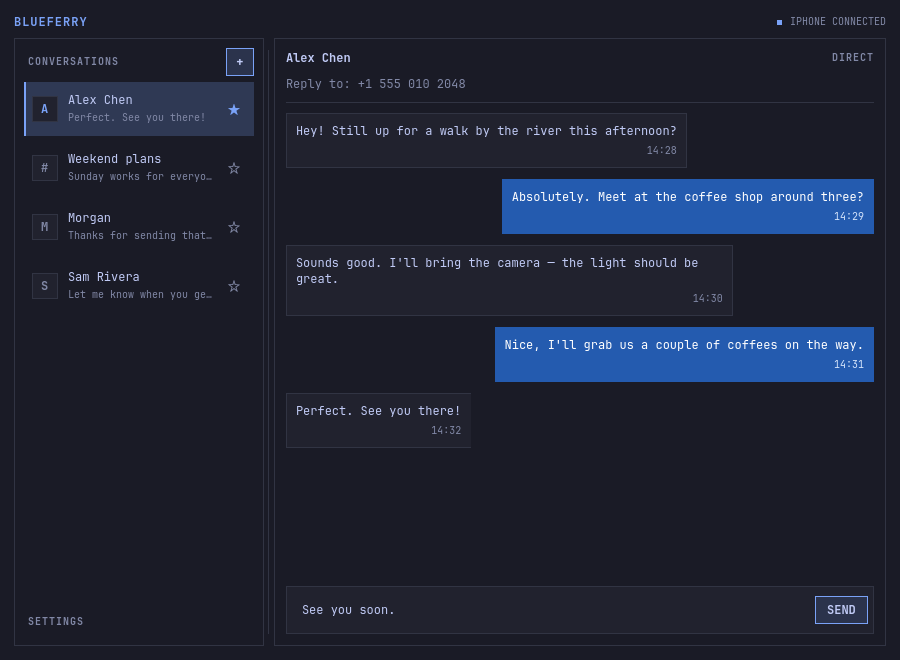
blueferry-quickshell follows Omarchy's active palette and system monospace
font, with compact controls and thin frames. Sent message bubbles stay blue
across themes. Outside Omarchy, it uses the desktop palette. It's packaged
for Arch-based distributions.
On Omarchy Quattro, the omarchy-blueferry bar widget shows connection status and unread conversations, with a reply field under each one:
omarchy plugin add https://github.com/erikwb/omarchy-blueferry.git
Enable it in Setup → Plugins and add it to your bar. The full Quickshell client still handles pairing, messages, and preferences.
Terminal (TUI)
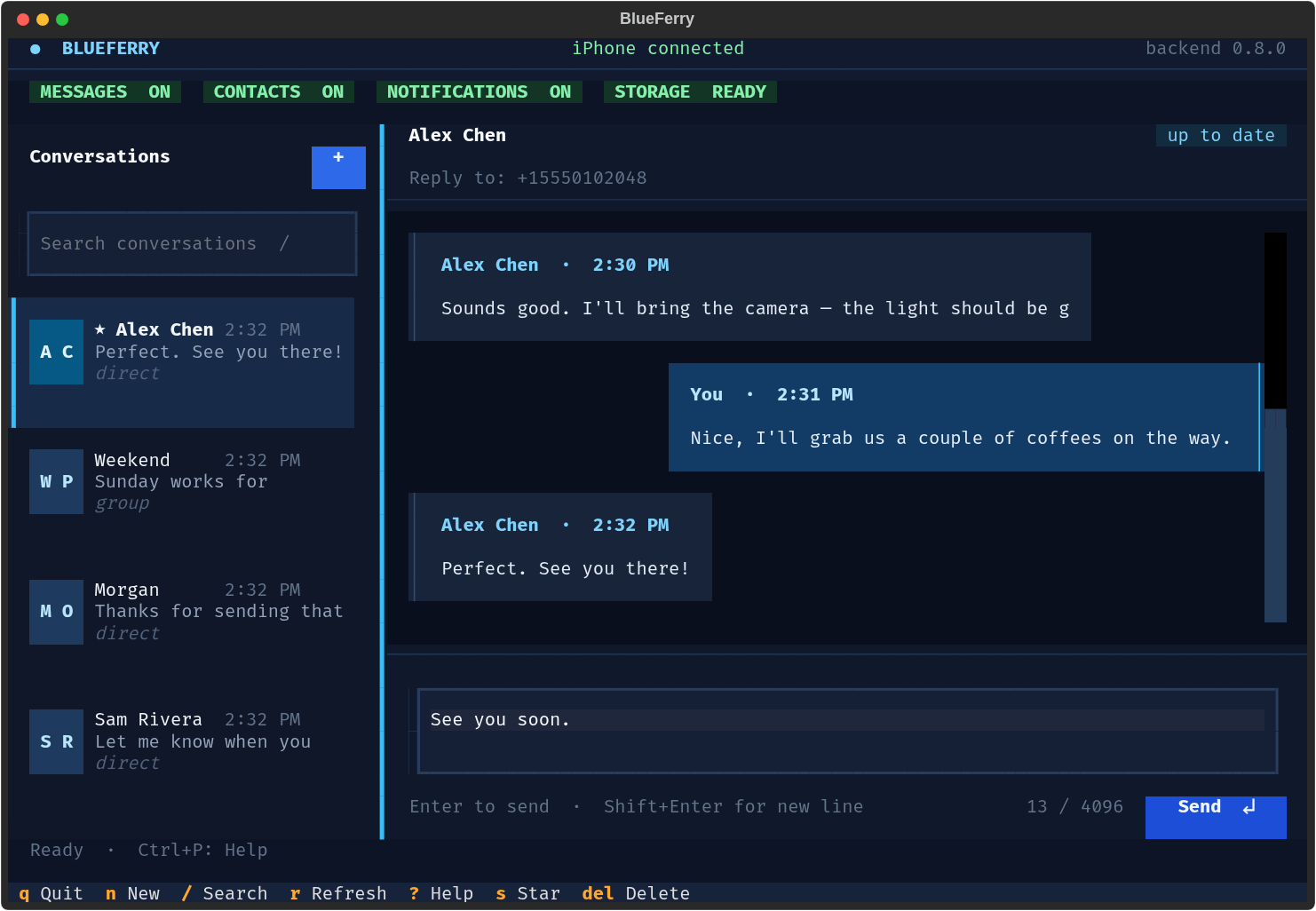
The terminal client is part of blueferry-backend on every distribution.
blueferry-tui
# or
blueferry tui
Press ? for the keyboard map or Ctrl+P for the command palette. It has
conversation search, a multiline composer, mouse support, themes, and a layout
that adapts to narrow terminals.
Command line
The blueferry command is useful for diagnostics and scripts:
blueferry doctor                     # check prerequisites
blueferry sms-list                   # recent messages (--source local for the cache)
blueferry sms-send '+15551234567' 'on my way'
blueferry sms-send person@icloud.com 'hello from Linux'
blueferry sms-send Alice 'running late'
blueferry contacts-sync              # pull contacts from the iPhone again
blueferry storage-policy-set encrypted   # or plaintext, none
blueferry storage-unlock             # ask the keyring to unlock stored data
blueferry history-clear              # delete local message history
blueferry pairing-issue              # open a GitHub issue with the last pairing report
blueferry version
If a contact name is ambiguous, BlueFerry lists the matches for you to choose
from instead of guessing. Run blueferry <command> --help for all options.
Which client opens from a notification
Clicking a message notification opens its conversation in a running graphical client, preferring the one you used most recently. If none is running, BlueFerry opens the last client you used. Without a previous choice, it prefers GTK on GNOME, Qt on KDE, and Quickshell on Omarchy/Hyprland, falling back to whichever client is installed.